Mapping Assets and Intro to GIS
Hive Chicago Buzz Jan 2016
Created by Stuart Lynn + Aurelia Moser + David Bild
@stuart_lynn @auremoser @dbild
Stuart Lynn | CartoDB
Aurelia Moser | Mozilla Science Lab

+

=
Your guess is as good as mine
CartoDB

Mozilla Science Lab

Maps are great!
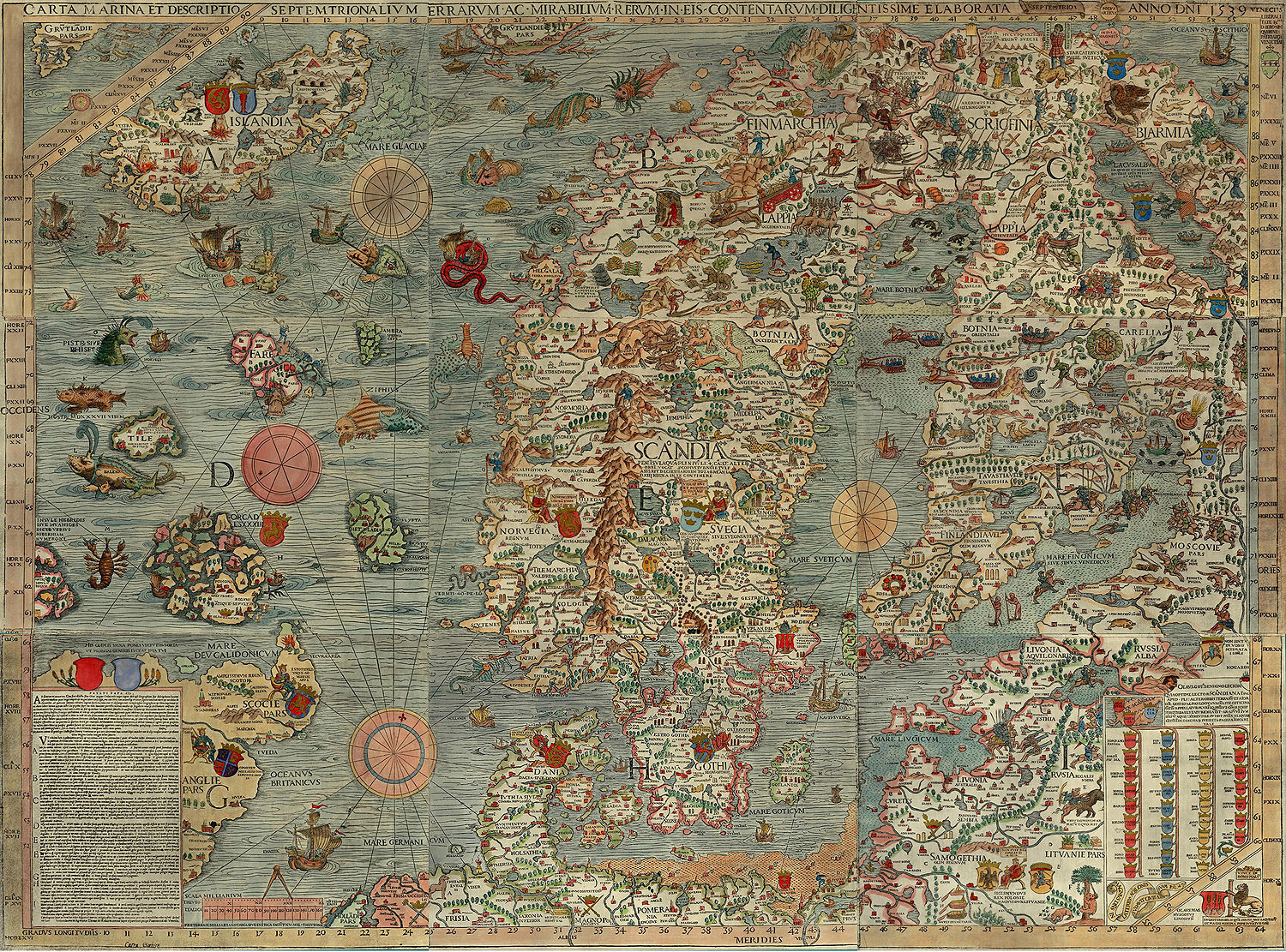
Maps can also be beautiful


Points on a map
Directions of US rivers
Ages of buildings in Chicago
Even non-earth based maps
Maps in the age of the internet

Maps in the age of the internet
Where am I?
At the Hive Chicago meet up.
Where am I?
1647 S Blue Island Ave, Chicago, IL 60608
Where am I?
41.858408, -87.660331
Where am I?
41° 51' 30.2688" N, 87° 39' 37.1916'' W
Reads as 41 hours 51 minutes 30.3 Seconds North, 87 degrees 39 minutes 37 seconds west
Components of web mapping
Map Tiles
https://a.tiles.mapbox.com/v4/mapbox.streets/0/0/0.png

Map Tiles
1/0/0

1/1/0

1/0/1

1/1/1

Map Tiles - more info
http://wiki.openstreetmap.org/wiki/Slippy_map_tilenamesBase maps
http://leaflet-extras.github.io/leaflet-providers/preview/index.htmlVector data
Vector data
- Can be used to mark out regions
- Can be used to mark out points
- Provide interaction to your maps
Leaflet

Leaflet - starter kit
https://github.com/cugos/leaflet-starter- Clone/download the starter kit
- Select a base map from http://leaflet-extras.github.io/leaflet-providers/preview/index.html
- Update the starting location to lat: 41.8814 long: -87.6337
- Update the base map on leaflet
- Add some vector data from here
Open Layers

Can be more powerful but can also be more complicated
Google maps
Pretty straight forward but can be restrictive
Where to find data to map
Data formats - csv
Table of points with attributes
| lat | long | population | area |
|---|---|---|---|
| -20.23 | 10.443 | 300 | 20 |
| 0.33 | -23.333 | 55 | 2303 |
| 33.33 | -2.333 | 123 | 2 |
Data formats - csv
Table of points with attributes
| address | population | area |
|---|---|---|
| 180 South Michigan, Chicago, IL | 300 | 20 |
| 20 South Clark, Chicago, IL | 55 | 2303 |
| 1817 South Allport, Chicago, IL | 123 | 2 |
Note about geocoders
Geocoders are peices of software that turn adresses in to locations
MapZen's pelias https://mapzen.com/pelias
MapBox geocoder https://www.mapbox.com/developers/api/geocoding/
Google has an excelent geocoder but it can be restrictive
Data formats - geojson
http://geojson.io/Data formats - kml
Used a lot by google maps
Usually contains vector data and sometimes image overlays
Data formats - shapefiles
Vector data format from ESRI
Usually a zip file containing multiple files with endings like .shp .shx .dbf .sbn
Sources of Data: Natural Earth
http://www.naturalearthdata.com/Sources of Data: Chicago public data portal
https://data.cityofchicago.orgSources of Data: Data.gov
http://www.data.gov/Sources of Data: Fulcrum
http://fulcrumapp.com/Sources of Data: Epicollect
http://www.epicollect.net/Sources of Data: Extract your location history from google
https://www.google.com/maps/timelineMapping Platforms
Going to need this file: libraries.kml
Github
https://help.github.com/articles/mapping-geojson-files-on-github/
MapBox
- Create an account
- Go to data
- Upload libraries.kml
- Create an account
- Upload libraries.kml
CartoDB
- Going to make a map showing pothole reports in Chicago overlayed on bike tracks
- Pot Hole data
- Pot Hole data
Data

Query
SELECT * FROM buildings where shape_area > 100
Carto CSS
/** choropleth visualization */

#buildings{
polygon-fill: #91003F;
polygon-opacity: 0.8;
line-color: #FFF;
line-width: 0;
line-opacity: 1;
}
#buildings [ year_built <= 2013] {
polygon-fill: #F1EEF6;
}
#buildings [ year_built <= 1990] {
polygon-fill: #D4B9DA;
}
#buildings [ year_built <= 1967] {
polygon-fill: #C994C7;
}
#buildings [ year_built <= 1944] {
polygon-fill: #DF65B0;
}
#buildings [ year_built <= 1920] {
polygon-fill: #E7298A;
}
#buildings [ year_built <= 1897] {
polygon-fill: #CE1256;
}
#buildings [ year_built <= 1874] {
polygon-fill: #91003F;
}
Cartodb.js
Getting it on to your site

Interacting with other code
	// create a layer with 1 sublayer
	cartodb.createLayer(map, {
	user_name: 'mycartodbuser',
	type: 'cartodb',
	sublayers: [{
		sql: "SELECT * FROM table_name",
		cartocss: '#table_name {marker-fill: #F0F0F0;}'
	}]
	})
	.addTo(map) // add the layer to our map which already contains 1 sublayer
	.done(function(layer) {

	// create and add a new sublayer
	layer.createSubLayer({
		sql: "SELECT * FROM table_name limit 200",
		cartocss: '#table_name {marker-fill: #F0F0F0;}'
	});

	// change the query for the first layer
	layer.getSubLayer(0).setSQL("SELECT * FROM table_name limit 10");
	});
Just the data
	var sql = new cartodb.SQL({ user: 'cartodb_user' });
	sql.execute("SELECT * FROM table_name WHERE id > {{id}}", { id: 3 })
	.done(function(data) {
		console.log(data.rows);
	})
	.error(function(errors) {
		// errors contains a list of errors
		console.log("errors:" + errors);
	})
gem 'cartodb-rb-client'
Stories
Odyssey.js


Other resources
- CartoDB Map Academy http://academy.cartodb.com/
- CartoDB APIS http://docs.cartodb.com/cartodb-platform.html
- Similar talk in NY here
- Local data sources here
- National data sources here